GUI Guide
The PPEE GUI (ppee.exe on Windows, ppee on Linux) is built for fast, keyboard-friendly browsing of PE internals. It works on anything from Windows XP to current Linux desktops. If Direct3D 9 isn't available (for example in some VMs), the Windows build falls back to a GDI software renderer automatically.
- Interface Tour: menus, toolbar, navigator strip, tabs and status bar
- Tree & List Views: every PE structure, filtering, copying, follow-in-hex
- Hex View: go to offset or RVA, find, copy as C array, paste, dump
- Editing & Saving: in-place edits, flag pickers, Save / Save As
- Code Window: disassembly, call sites and references, from any code address
- Navigator Strip: the file's layout and entropy at a glance
- Similarity Alerts: "you've seen this file before" toasts and history
- Settings: display, startup, colors, strings, clustering
- Shell Integration: Open in PPEE from Explorer or your file manager
- Keyboard Shortcuts
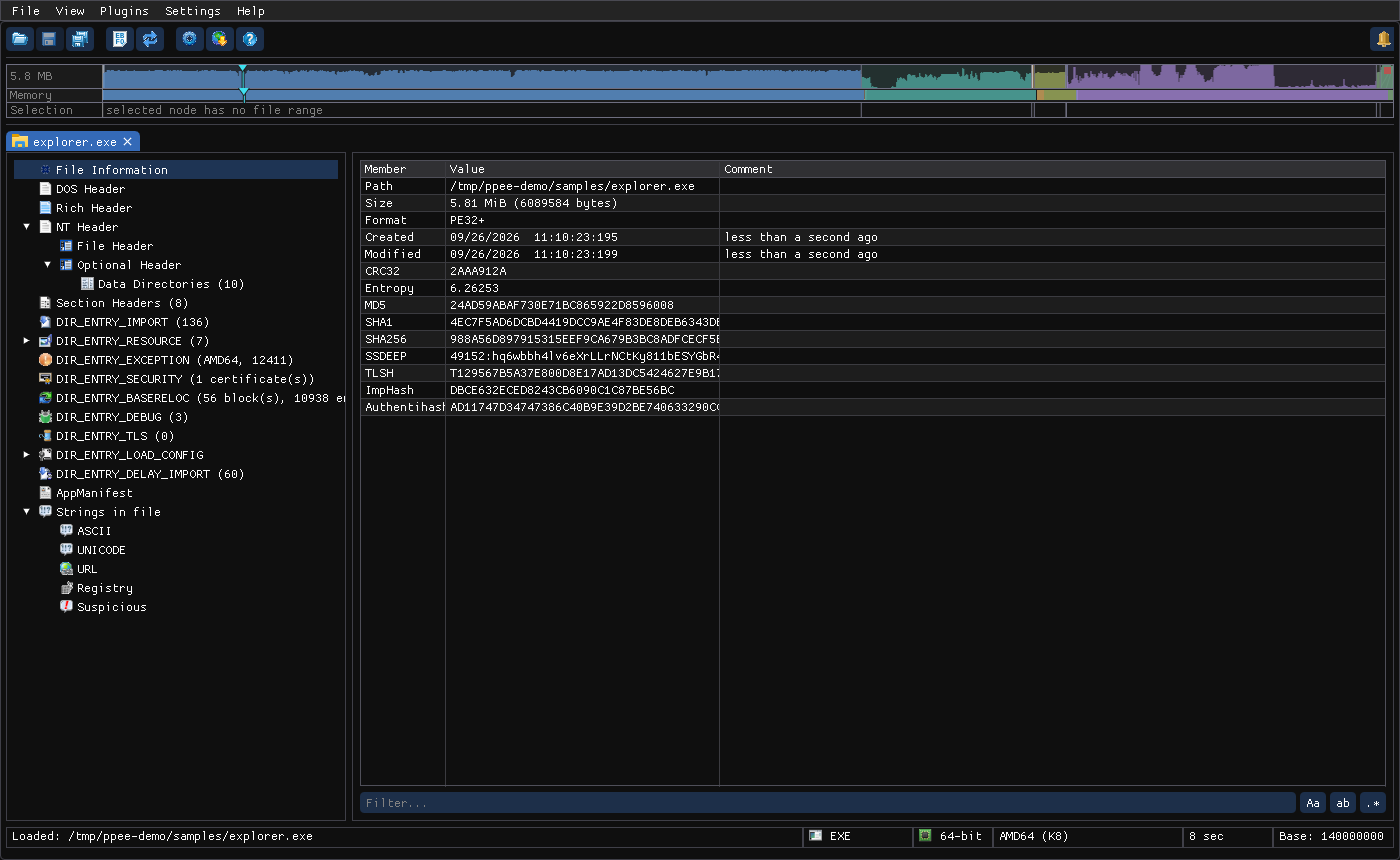
Windows screenshot: main window
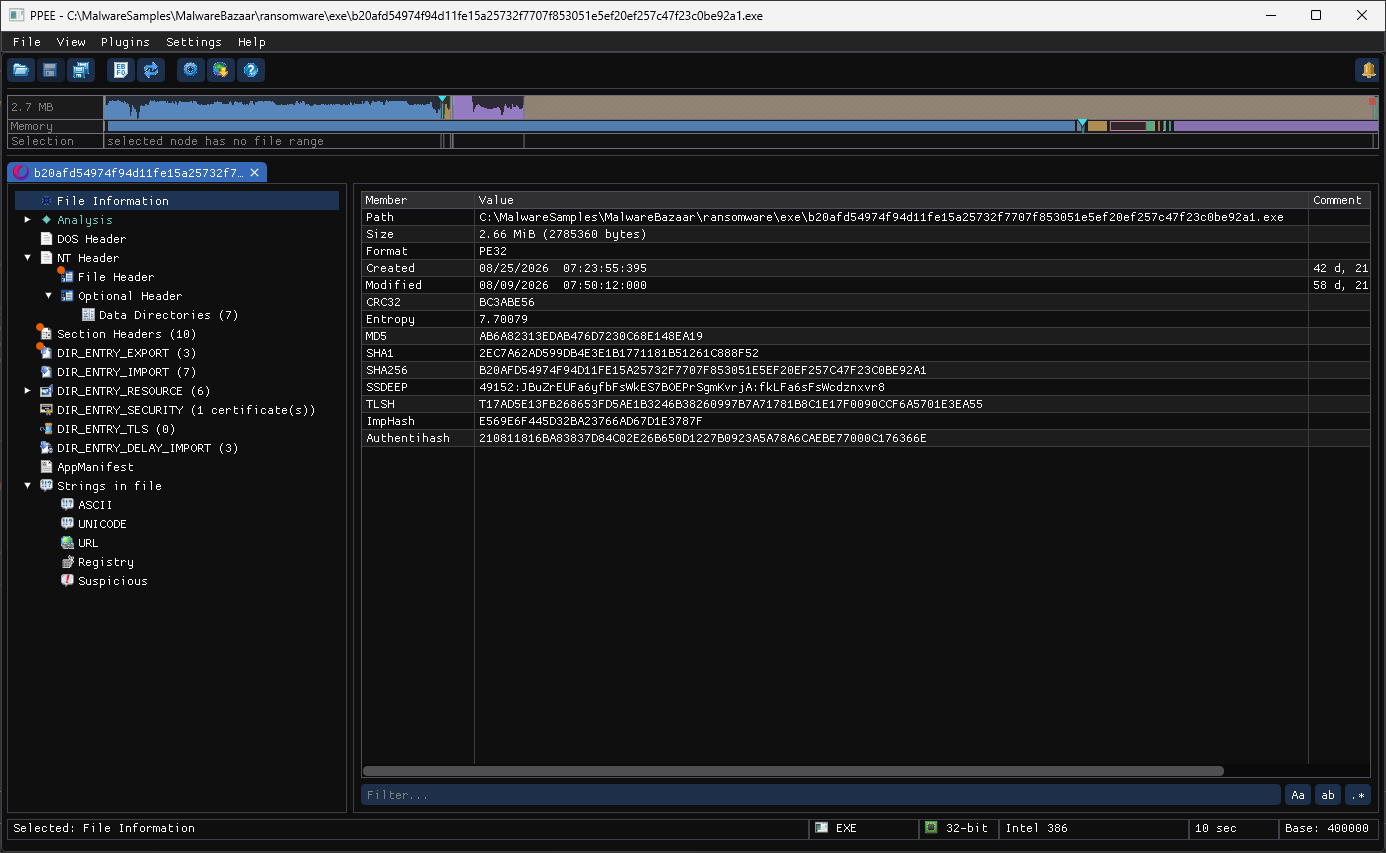
Windows XP screenshot
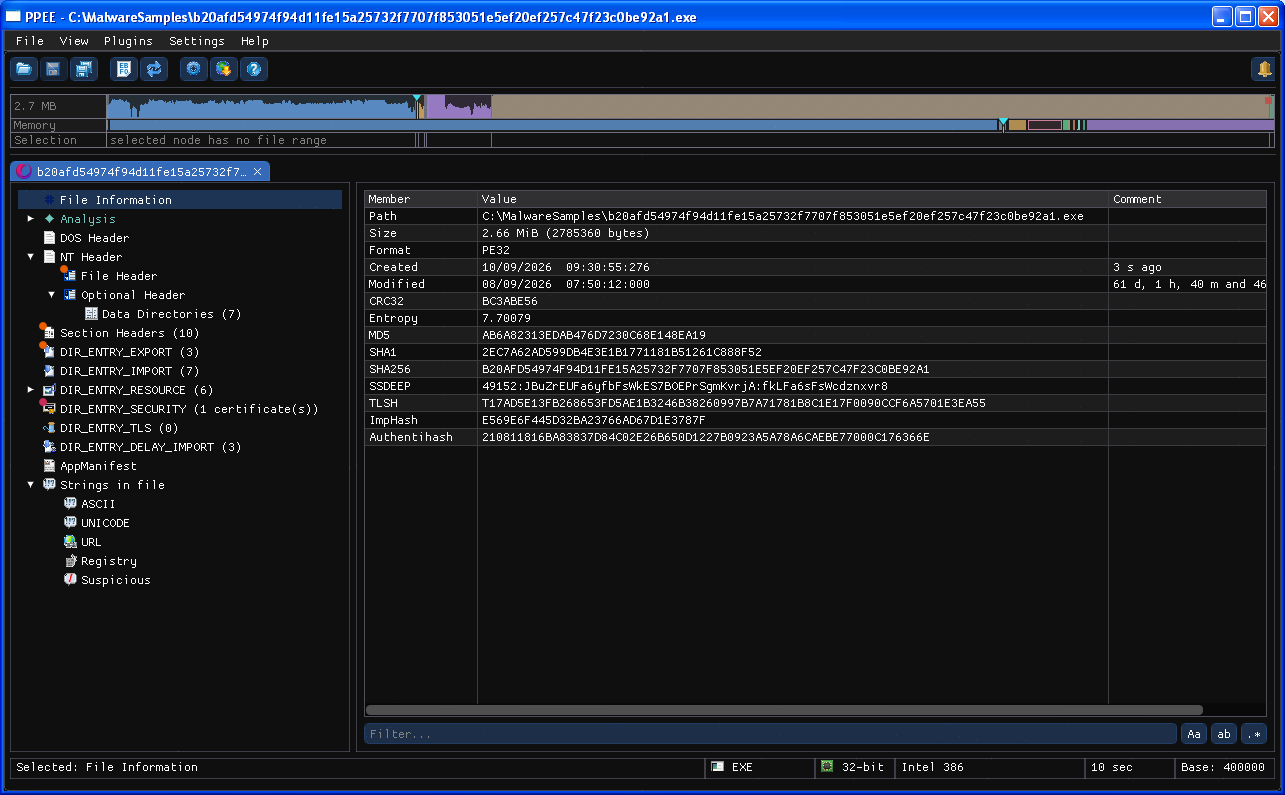
GUI and CLI stay in sync
Every tree node has a matching CLI switch, and every editable cell has a --set address. Explore a file in the GUI, then automate the same steps with ppee-cli.